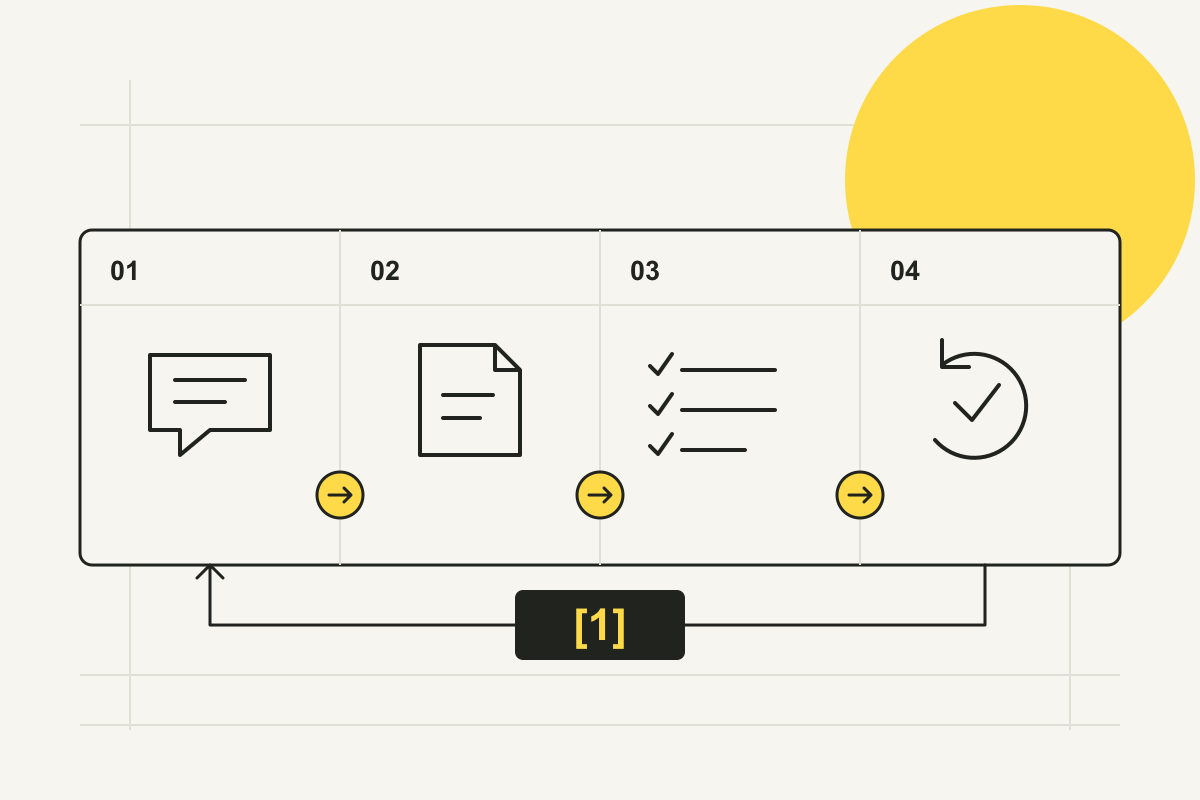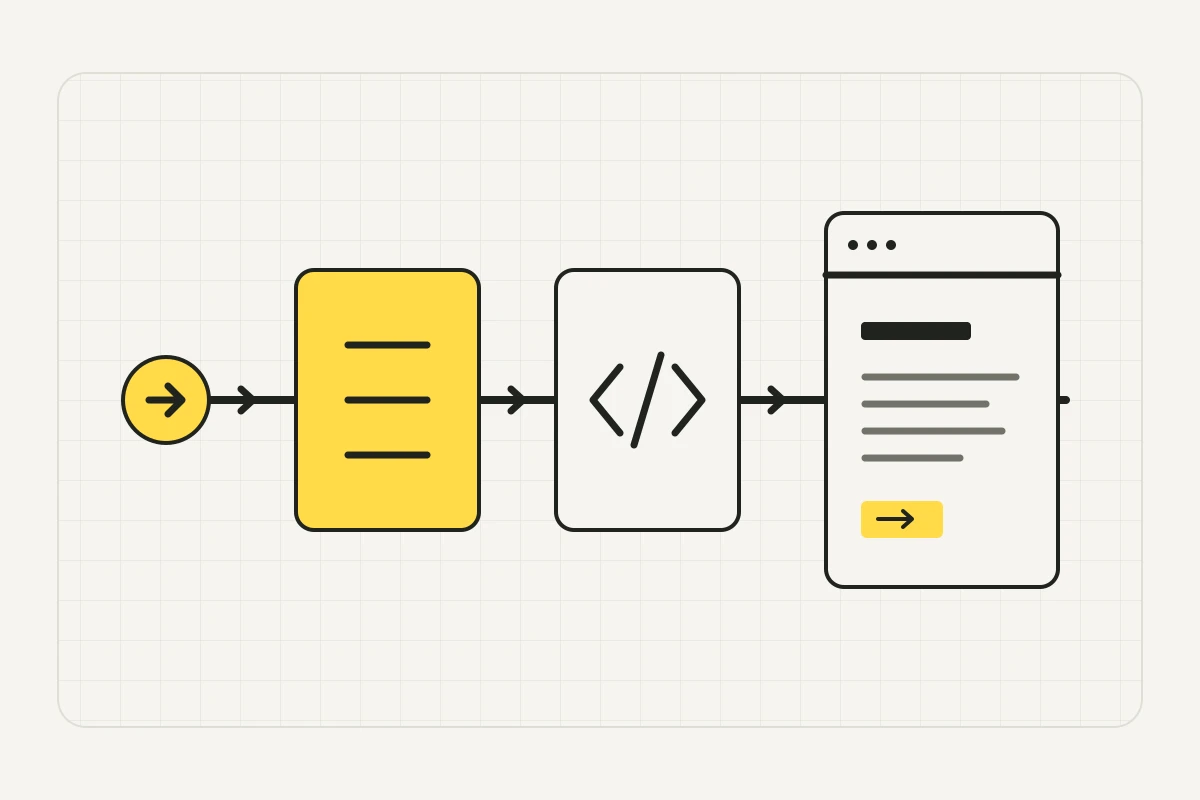
Find the first failing check for one URL
Start with the service or article URL that should be discoverable, including its hostname and language path. Work through the rows in order and save the evidence before asking for a fix.
If you want Google to honor a noindex directive, keep the URL crawlable so Google can read it. Check the response header as well as the HTML.
| Symptom | Check | Interpretation | Fix and retest |
|---|---|---|---|
| The URL is hard to find | Follow a link from a related published page or the relevant category. Check its actual destination. | The URL may have no useful discovery path, or the link leads to an old address. | Link to the final published URL in the right language and align the sitemap. |
| The crawler’s path matches Disallow | Read robots.txt for the exact scheme, hostname and port. Check the group for the documented crawler. | The published crawl policy asks that crawler to skip this path. | If search access is intended, correct the affected rule and fetch the robots file again. |
| The URL redirects or returns 401, 403, 404, 429 or 5xx | Record the GET redirect chain, final status, response body and matching log event. | The target may be wrong, protected, missing, rate-limited or failing. The status alone rarely identifies the responsible layer. | Resolve the identified cause and repeat the same GET on the intended public URL. |
| HTTP 200 returns a challenge or an empty shell | Look for a distinctive heading and a paragraph in the initial HTML. Compare with the rendered page. | The server responded, but the expected content is missing from that response. | Correct the identified challenge or return the essential content in server HTML. Repeat the comparison. |
| HTTP 200 contains the text, but an indexing directive excludes it | Inspect the X-Robots-Tag response header and robots meta tag. | A supporting search engine may read the page and still exclude it from its index. | Remove an unintended noindex on the public version and confirm the new response. |
| A different URL is declared or selected as canonical | Compare the final URL, canonical, internal links and sitemap. For Google, inspect the indexed URL’s selected canonical. | Search may consolidate signals under another URL, such as a duplicate or another language version. | Align signals with the intended URL for that language. Check the platform’s choice separately after reprocessing. |
Google: Robots.txt introduction and guide · Google: How HTTP status codes affect crawlers · Google: Block search indexing with noindex · Google: How to specify a canonical URL
Choose the crawler by purpose
In OpenAI’s crawler documentation, checked on 11 November 2026, OAI-SearchBot supports ChatGPT search, GPTBot collects material that may be used for model training, and ChatGPT-User can make requests triggered by a user. OpenAI documents independent search and training settings. A visit from ChatGPT-User does not establish search access.
Perplexity documents a similar distinction between PerplexityBot for search and Perplexity-User for user-triggered requests. Use the operator’s current documentation to identify the specific crawler and its verification method before interpreting a log entry.
OpenAI: Overview of crawlers · Perplexity: Perplexity Crawlers
Compare the GET response with what the browser shows
Request the URL without a signed-in session. In browser developer tools, open Network, reload and inspect the document request. Record the redirects, headers and Response body. The Elements panel shows the DOM after scripts may have changed it. Look for the service name, one paragraph describing the offer and a real link to the next page.
Google Search Central’s JavaScript SEO guide, updated 4 March 2026, describes separate crawling and rendering steps. If the content appears only after scripts run, check the rendered output in Google’s URL Inspection when you have access. For an important public page, returning its essential text and links in the initial HTML reduces that rendering dependency. A JavaScript-disabled browser is a quick comparison for your own page.
For a broader review of navigation and language versions, use the AI-ready website checklist.
Google: JavaScript SEO basics
Three HTTP 200 responses can tell three different stories
BeeCited sent ordinary GET requests to three teaching routes on a local server on 11 November 2026. Each returned HTTP 200. To reproduce the contrast on your own test server, serve the same short page with and without X-Robots-Tag: noindex, then serve an empty main element on a third route. Compare the headers and response body.
| Local route | Observed response | What the check establishes |
|---|---|---|
| /draft-header | X-Robots-Tag: noindex, with the service scope in the HTML. | Access and readable text are present. Google’s noindex guidance applies if Google can fetch that directive. |
| /app-shell | No X-Robots-Tag, empty main element in the returned HTML. | The initial response contains no scope text. Check rendered content if the real page adds it with JavaScript. |
| /service | No X-Robots-Tag, with the service scope in the HTML. | The tested response returns readable scope text. Platform indexing and citation still require separate evidence. |
Google: Block search indexing with noindex
Confirm the real crawler request in your logs
A request sent from your computer proves what your computer received. A User-Agent label alone cannot verify the source. Use the hosting or CDN logs and the platform’s published verification method. Match the exact URL, timestamp and time zone, response status and request ID where available. Compare the firewall event with the application log to see where the response originated.
Cloudflare’s Security Events documentation, checked on 11 November 2026, notes that its view can be sampled. If the event is missing, narrow the time window or use the appropriate logs available to you. Record access as unverified when you cannot find a real request or a platform test. If the site owner wants a verified search crawler to reach a public page, hand over the matched rule and request evidence for a scoped change and retest.
Cloudflare: Security Events · OpenAI: Overview of crawlers · Perplexity: Perplexity Crawlers
Record what passed and what is still unknown
In the ticket, record the URL and language, crawler and purpose, timestamp and time zone, final status and body excerpt, robots.txt rule, noindex and canonical, verified request or platform test, owner and retest result. Save the before and after evidence with the same URL and test method.
Google’s AI features documentation and Search generative AI control help, checked on 11 November 2026, distinguish technical eligibility from participation and selection. A supporting link in AI Overviews or AI Mode requires indexing and snippet eligibility. Check the property’s generative AI participation setting separately. A successful request proves only that the recorded response was served.
If the page can be read but its offer is unclear, use the service page structure template to prepare the scope, proof and next step.
Google: AI features and your website · Google Search Console: Search generative AI control
Common questions when the checks disagree
Can I test only the homepage?
Use it as a control, then test the affected page. Language paths, nested sections and different templates may receive different rules, headers or response bodies.
Does a successful live test in Google mean the page is indexed?
The live test describes Google’s current fetch and inspection. Check the indexed report for the last known index state and Google-selected canonical. Use the relevant platform’s own evidence for other crawlers.
What if the page is intentionally private?
Keep the authentication or access control in place. Use a public URL approved for discovery when testing search access. The robots file communicates crawler policy and can itself be read publicly.
Google Search Console: URL Inspection tool · Google: Robots.txt introduction and guide
Hand over one reproducible failure
Start with the first failed check and include the exact response. Agree on what will count as a fix, such as the intended public URL returning readable HTML and the correct header, then repeat the check after the change.
For a repeatable access or delivery issue, bring the recorded evidence to our technical website maintenance service.
Sources & further reading
BeeCited provides website and GEO services. The three HTTP responses below were reproduced on a local fixture on 11 November 2026. Platform documentation was checked on the same date. Editorial, factual and language checks used AI assistance.
- Google: Robots.txt introduction and guide —
- Google: How HTTP status codes affect crawlers —
- Google: Block search indexing with noindex —
- Google: How to specify a canonical URL —
- OpenAI: Overview of crawlers —
- Perplexity: Perplexity Crawlers —
- Google: JavaScript SEO basics —
- Cloudflare: Security Events —
- Google: AI features and your website —
- Google Search Console: Search generative AI control —
- Google Search Console: URL Inspection tool —